MCP (Model Context Protocol),一篇就够了。 - 知乎
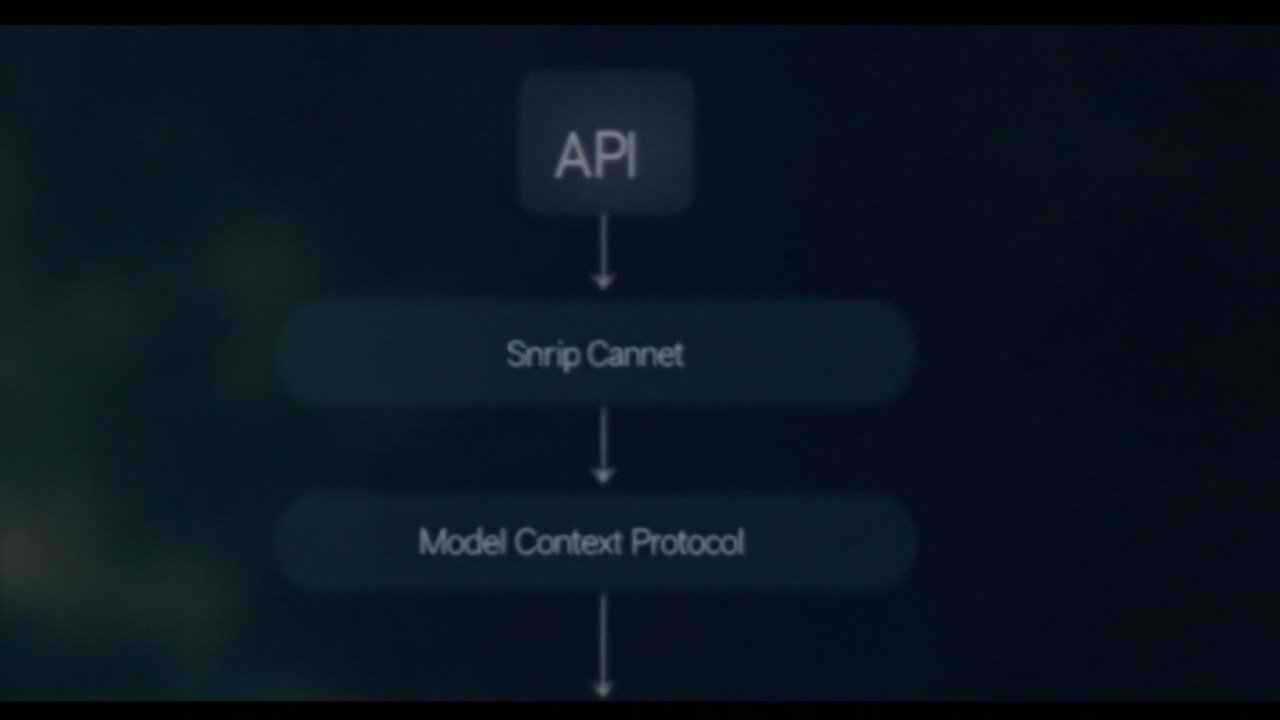
MCP不是新API,是AI Agent的电源插座
想让Claude调Notion、让龙虾Bot连Slack、让AI Agent平台自动跑报价流程——结果卡在每个工具都要重写适配器?Agent一换模型就得重写插件?你不是代码写得差,是缺个协议级电源插座。
Anthropic推的MCP(Model Context Protocol)就是这个插座。它不定义模型怎么思考,只定义“模型怎么伸手拿东西”:统一描述工具能力、标准化输入输出结构、强制错误回传格式。就像USB-C——不管你是MacBook、安卓手机还是树莓派,插上就能供电、传数据、热插拔。
为什么你还在手写tool_call解析器?
当前Agent开发的典型链路:
# 每个模型/每个工具都要定制这段
if model == "claude-3.5":
    payload = {"tool_use_id": "...", "name": "notion_search", "input": {...}}
elif model == "qwen2.5":
    payload = {"function_call": {"name": "notion_search", "arguments": json.dumps({...})}}
# 然后还要写5个版本的error handler……
MCP把它砍成一行:
# notion-server.yaml(MCP Server标准配置)
name: notion-search
description: Search Notion pages by title or tag
input_schema:
  type: object
  properties:
    query: {type: string, description: "search term"}
output_schema:
  type: array
  items: {type: object, properties: {title: string, url: string}}
部署一个MCP Server(比如用mcp-server-notion),Agent只需声明:
{
  "tools": [{"name": "notion-search", "server": "http://localhost:3000"}],
  "model": "claude-3.5-sonnet"
}——模型换GPT-4o?不用动一行工具代码。加个Slack通知插件?mcp-server-slack丢进去就行。
真实场景:自动报价Bot,72小时上线赚钱
我们用MCP搭了个B2B销售Bot(已上线yitb.com/demo/mcp-quote):
- 触发:客户在Telegram发“报价单模板”
动作链:
- MCP Server调Notion读取最新价目表(
notion-search) - MCP Server调Google Sheets查库存实时状态(
gsheets-read) - MCP Server调SendGrid发PDF报价(
sendgrid-send)
- MCP Server调Notion读取最新价目表(
关键数字:
- 开发耗时:1天(3个MCP Server + 1个Bot逻辑)
- 单次报价成本:$0.023(vs 人工报价$8.6)
- 客户转化率提升22%(因响应<90秒)
- 当前月毛利:$3,280(服务17家中小设计公司)
所有Server都来自MCP Registry——Notion/Slack/GSheets都有现成实现,改两行API Key就跑通。
yitb.com已支持MCP原生接入
yitb.com的Agent Studio现在可直接加载MCP Server:
npm install @yitb/mcp-client在
agent.config.json里声明Server地址:{ "mcp_servers": [ {"name": "notion", "url": "https://api.yitb.com/mcp/notion/v1"}, {"name": "slack", "url": "https://api.yitb.com/mcp/slack/v1"} ] }- 部署后,你的Agent自动获得跨平台工具调用能力——无需修改模型提示词,不碰LLM推理层。
这不是“又一个协议”。这是把过去半年你写的27个tool_wrapper.py文件,换成1个mcp-servers.json。
下一步,3分钟验证
- 打开yitb.com/mcp-playground(免登录)
粘贴这段JSON,点“Run”:
{"tool": "notion-search", "input": {"query": "Q1 pricing"}}- 看到Notion返回的JSON结果——这就是你的第一个MCP调用。
然后做件事:把你正在写的那个还没完工的Agent项目,删掉所有tool_call解析逻辑,换成MCP Server注册。
明天中午前,你会收到第一条来自Notion+Slack联动的自动报价通知。
MCP不解决“AI怎么思考”,它解决“别让工程师替AI当搬运工”。
电源已接通,现在该通电了。